

Orderlee
Patient Movement System for Hospitals
Orderlee streamlines hospital patient transfers by assigning the nearest available porter, tracking movements in real time, and eliminating phone-call coordination. With QR-based staff attendance, a web dashboard, and dedicated admin and porter mobile apps, it ensures efficient, accountable patient movement.
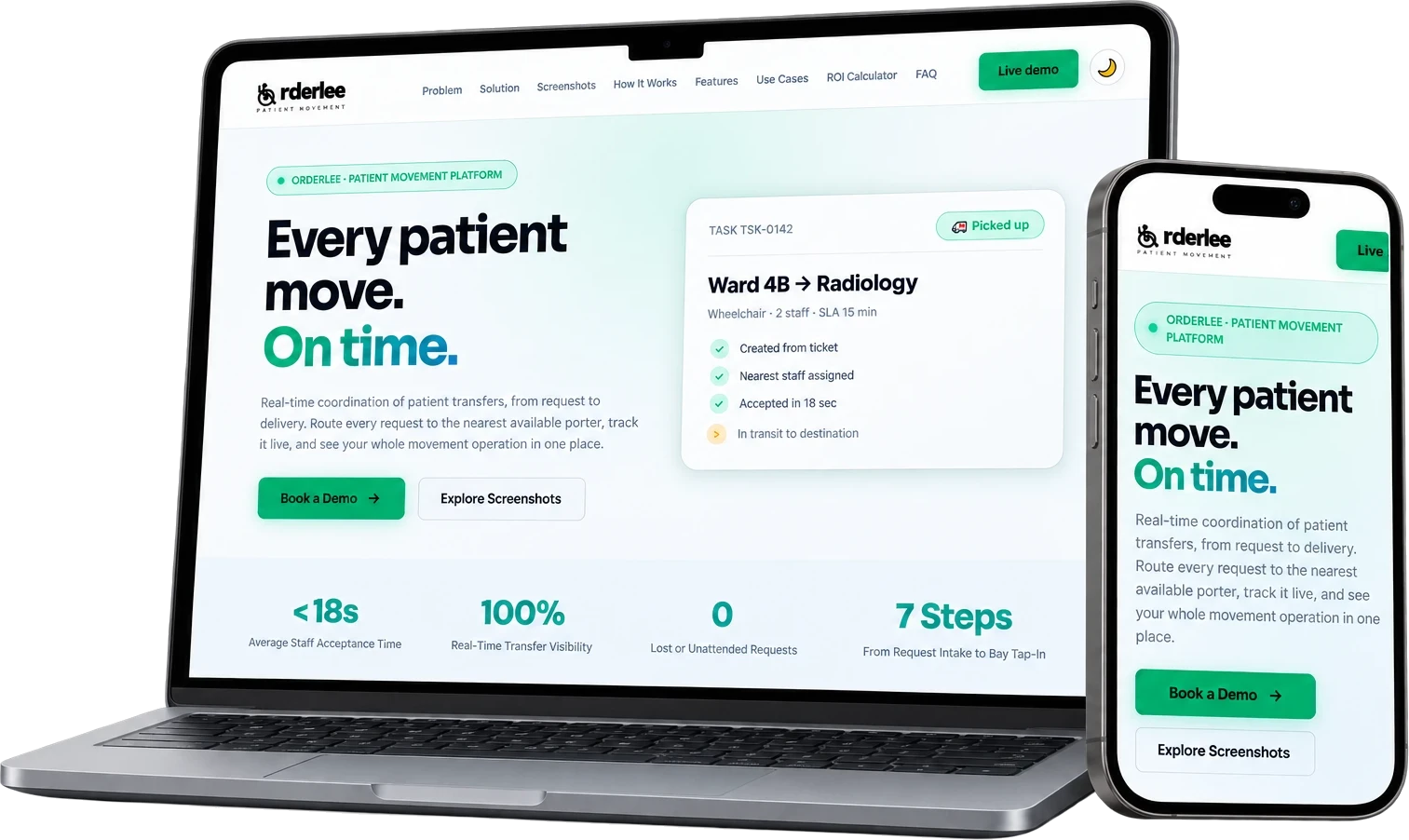
<18s
Average staff acceptance time
100%
Real-time transfer visibility
0
Lost or unattended requests
7 steps
From request intake to bay tap-in
Everything You Need, Out of the Box
No feature gating. Every tier gets the full platform.
Request intake
From your ticketing system or entered by hand.
Nearest-staff matching
Free staff ranked by tower and floor distance.
Staff mobile app
Push alerts, accept or reject, update each step.
Live control
Web dashboard and admin app for coordinators.
QR bay attendance
Shifts, breaks and location by a simple tap.
Timeouts & escalation
Unanswered jobs freed; idle requests escalated.
Reports & export
Task and staff reports with CSV export.
Roles & audit trail
Granular permissions; every change logged.
How We Get You Live
A proven implementation process with your dedicated engineer.
1
Request Arrives Automatically
Requests are pulled instantly from your hospital ticketing system or logged manually in seconds by ward staff. No phone calls needed.
2
Nearest Free Staff Ranked
Orderlee maps your hospital towers, floors, and bays. Free porters are ranked instantly by physical distance and floor proximity.
3
Coordinator Assigns in One Click
Coordinators assign single or multi-porter tasks based on system proximity suggestions with full workload visibility.
4
Staff Accepts via Mobile App
Porters receive push notifications on their phones with timed response windows. Silence auto-releases the job to avoid stalls.
5
Pick Up and Move
Porters tap to update status as they arrive at the ward, pick up the patient, and begin transit to destination.
6
Delivered & Confirmed
Multi-porter moves close automatically once all porters confirm delivery at destination (e.g. Radiology or ICU).
7
Ready & Reported at Nearest QR Bay
Porters tap in at the nearest physical QR bay to mark themselves available for the next job. All times logged automatically.
Ready to launch Orderlee?
Book a free demo and see it running in under 30 minutes.